
Introduction
It is time to start creating/constructing your packaging. You will start by designing a 2D version, or flat version, of your package. You can use Adobe Illustrator or Photoshop to complete this portion of your project.
NOTE: Though the product photography is not due until next week, you may want to photograph the original package, before you remove the label. This may save you from having to buy two packages. You do not have to show the old and new packages in the same photo, but your photos should have the same lighting and background.
Example (4 Page PDF)
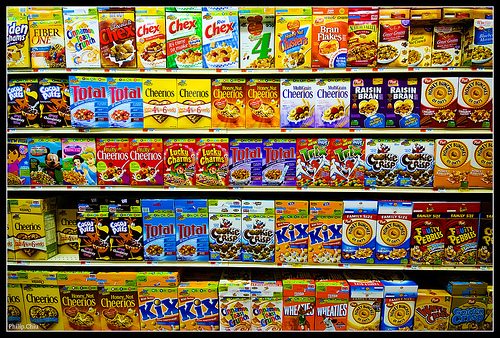
Will your design stick out?
Flat Package Design
You will want to make a scale design of your flat package. This can be accomplished in several ways:
- Break down an existing package, scan it, and then trace it in Illustrator or Photoshop.
- Break down an existing package and then measure/digitally recreate.
- Find a pattern online.
You will now design the layout of your packaging. This design should include, but is not limited to, the following elements:
- High quality images
- Copyright or trademark icon with logos
- UPC bar-code
- Nutrition Label (Where applicable)
- Appealing design
- Legible text
- Large, eye-catching product name/logo
WARNING: Do not use portions of your scanned image in your final design! Find high quality UPC, Nutrition Labels, logos, and other graphics for your final design.
Resources
- UPC bar-code font (http://www.dafont.com/barcode-font.font)
- Vector UPC bar-code (All-free-downloads.com)
- How to make a Nutrition Facts Label (claytowne.com)
- UPC and Nutrition Fact Generator (onlinelabels.com/label-generator-tools/)
- Google Nutrition Facts Label PDF (You can often open a PDF with Illustrator and grab the vector graphics)
Flat Package – Page 4
Add your flat package design into your pitch book. The flat package design in your pitch book does not need to be scale. Size and position the design nicely onto page four of your pitch book. Add a page title that describes the content of the page (ex. Package Design.)
Submission
This activity can be included in any of your updates.
Recent Comments